
displays Placement
Mounting on a pole
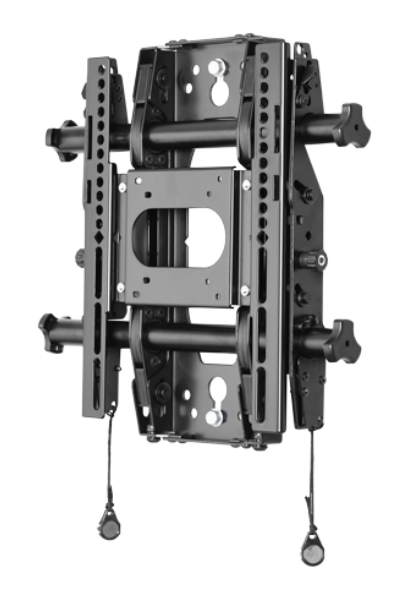
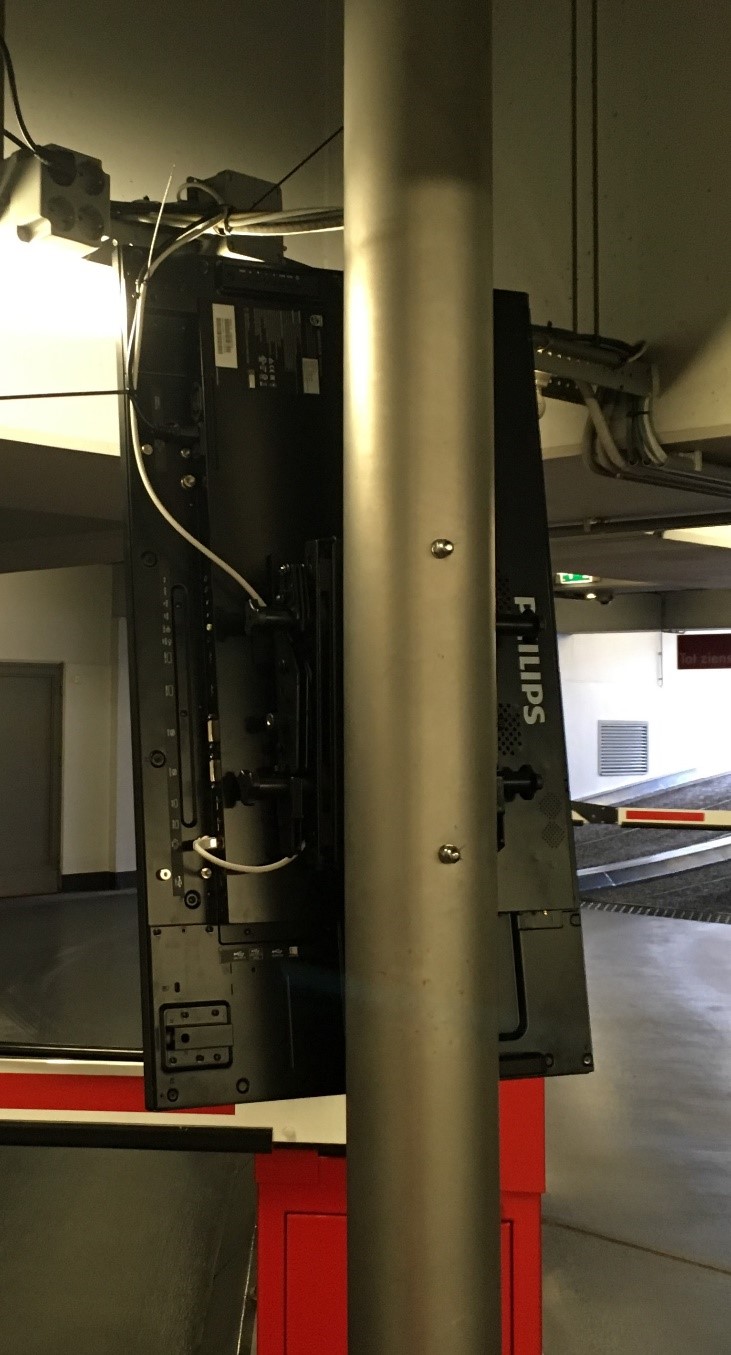
figure 1 Display mount De Colonel
These display holders have the possibility to protect the display against theft by a padlock through the mount.
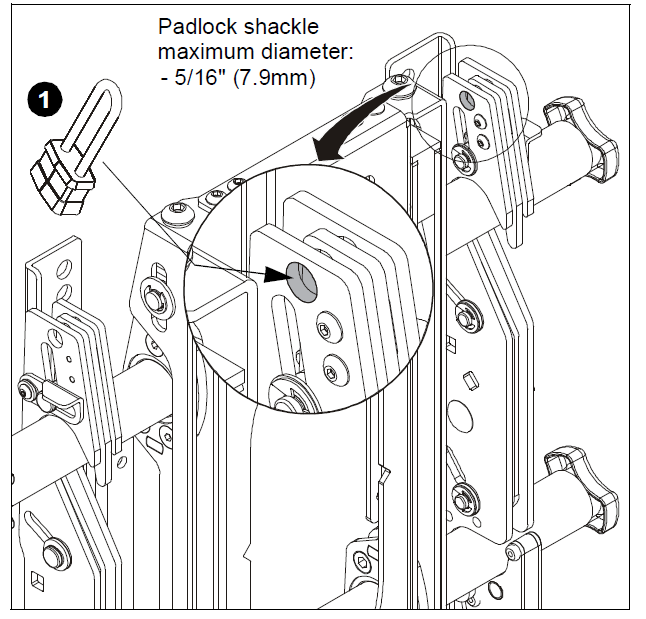
More info:
https://www.milestone.com/Products/Chief/Mounts/Display/Wall-Tilting/Fusion%20Wall-Tilt/STMS1U
Precondition:
Foresee a CAT6 ethernet cable and a mains power connection.
Display 42BDL5057P Specifications:
Power input: 100 - 240V~, 50 - 60Hz, 5.5A max 215W typ 85W
Weight: 15.5W
Dimensions: 950 x 541 x 71 mm
Mounting on a Wall
To mount this display to a wall, you will have to obtain a standard wall-mounting kit
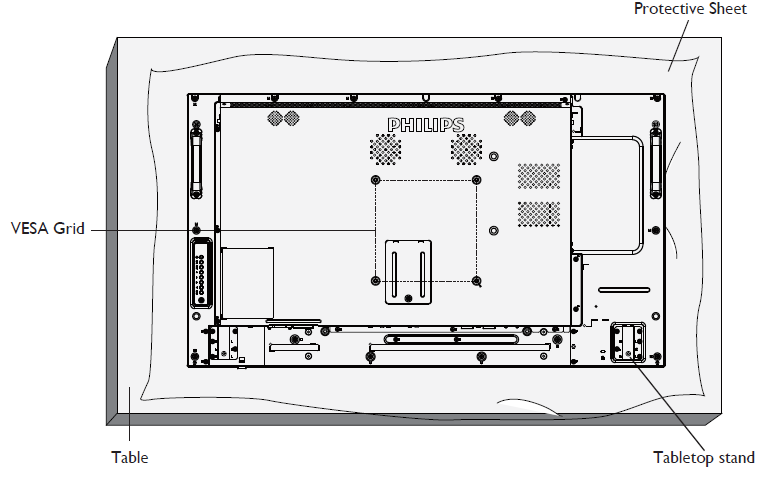
Mounting in Portrait Position
This display can be installed in portrait position.
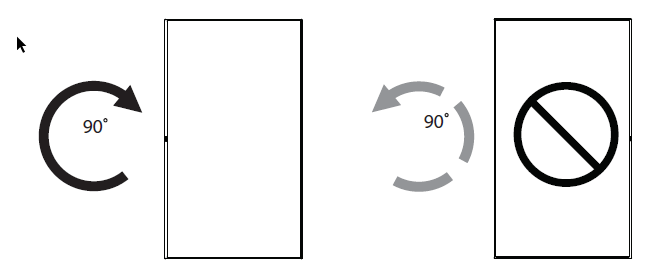
Remove the table stand, if attached.
Rotate 90 degrees clockwise. The “ ” logo should be on the LEFT side when facing the display.